How to Self-Publish a Hardcover Children's Book
Amazon KDP prints hardcovers only from 75 pages, so a 24 or 32 page picture book can't be a KDP hardcover. Most self-published picture books come out as a KDP paperback, and the hardcover is printed elsewhere: IngramSpark and Lulu both print hardcovers at picture book page counts, and a photo book service works for one or two family copies.
Amazon KDP prints hardcovers only for books with at least 75 pages, and a picture book is usually 24 or 32. Self-published authors who want a hardcover picture book print it somewhere else, usually IngramSpark, Lulu or a photo book service. Which one fits depends on whether the book is for sale or for your family.
Can you publish a hardcover picture book on Amazon KDP?
Usually not. KDP's hardcover page range is 75 to 550 pages. Padding a picture book out to 75 pages would mean dozens of blank or filler pages, which readers notice and reviewers mention.
What KDP does well for picture books is the paperback. Paperbacks start at 24 pages, come in square and large trim sizes, and can be printed in premium color. That's why most self-published picture books on Amazon are paperbacks. Our overview of self-publishing a children's book on Amazon KDP covers the paperback steps.
Where to print a hardcover picture book
Several print-on-demand companies print hardcovers at picture book page counts. The common choices:
- IngramSpark prints hardcovers with low page minimums and can list the book with bookstores and libraries as well as online stores. Many authors pair a KDP paperback with an IngramSpark hardcover.
- Lulu prints hardcovers at picture book lengths and lets you order copies without making the book public, which suits gifts and small runs.
- Photo book services and local print shops can print one hardcover from a PDF. There's no ISBN and no store listing, which is fine for a family copy.
Page minimums, trim sizes and paper options change, so check each printer's current specs before you lay out your pages. Picking a trim size that both your paperback printer and your hardcover printer offer saves you from making the book twice.
Paperback and hardcover: what changes in your files
The inside pages usually stay the same, but the cover changes.
- Inside pages: same trim size, same 0.125 in bleed, same 300 dpi pictures. Check the printer's safe margins, since hardcover pages lose a little near the spine.
- Cover: a hardcover cover wraps around boards, so it's bigger than the paperback cover and has extra space at every edge that folds under. Each printer gives you a template with the exact size for your page count.
- Spine: the hardcover spine is wider than the paperback spine for the same book, because of the boards.
- ISBN: a hardcover needs its own ISBN, separate from the paperback's. The free ISBN KDP gives you can only be used on KDP.
For more on trim sizes and bleed, see our guide to children's book sizes.
Should you publish in hardcover at all?
A hardcover feels special, holds up to rough handling and looks good on a gift table. It also costs more to print, so it has to sell for more, and that's a harder sell for a new author with no reviews yet.
A common approach is to publish the paperback first on KDP, see how it does, and add a hardcover later if readers ask for one or you're selling at events where a hardcover moves better.
If the book is only for your family, skip the publishing steps. Print a single hardcover through a photo book service, or print the pages at home and bind them yourself. Our guide to printing a picture book at home covers paper and binding.
How to get your book ready for any printer
- Write and lay out the book. On makeabook.fun you can write it, add pictures and design the cover free in your browser.
- Choose a common trim size. The maker's square 8.5 × 8.5 in and tall 8 × 10 in sizes are both KDP paperback trim sizes, and many hardcover printers offer them too.
- Publish the paperback on KDP. The maker's free KDP files give you inside pages with bleed, padded to the 24-page minimum, and a wraparound cover with the spine calculated for you.
- Make the hardcover cover separately. Download your printer's hardcover template for your page count and lay your cover art onto it. If you work in Canva, our 8.5 × 8.5 in KDP template shows bleed and safe areas for the paperback, a helpful starting point.
- Order a proof of each. Colors can come out a little different between printers, so check a printed copy before you announce the book.
The book Write & Self-Publish a Children's Book in 7 Days walks through every KDP screen for the paperback, and the free 7-day guide is a good place to start.
Common questions
Can I publish a hardcover picture book on Amazon KDP?
Only if it has at least 75 pages, which is KDP's minimum for hardcovers. Most picture books are 24 or 32 pages, so they're published as KDP paperbacks instead.
Where can I print a hardcover picture book with 32 pages?
IngramSpark and Lulu both print hardcovers at picture book page counts. Check each one's current minimum page count and trim sizes before you design the book.
Can I get just one hardcover copy for my family?
Yes. A photo book service or a local print shop can print a single hardcover from your PDF. It won't have an ISBN or be sold in stores, which is fine for a family copy.
Do I need a different file for the hardcover?
The inside pages can usually stay the same, but the hardcover cover is a different size from the paperback cover because it wraps around boards. Each printer gives you its own cover template.
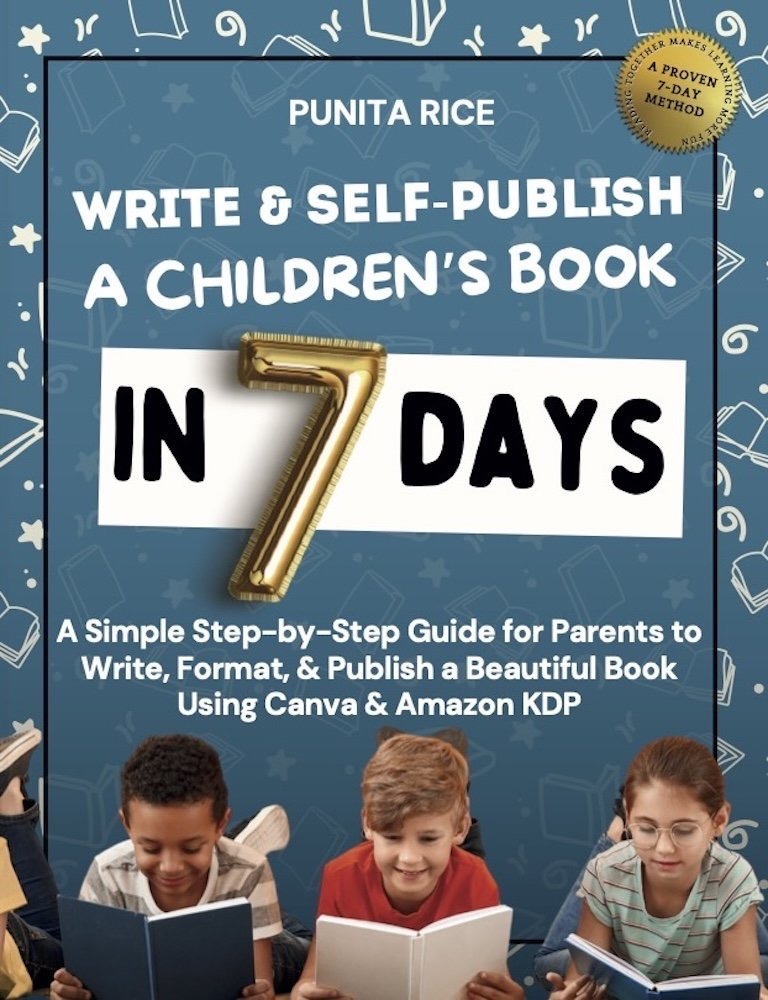
Write & Self-Publish a Children’s Book in 7 Days walks you through every step, including Amazon KDP. ★★★★★ 5.0 on Amazon.
Ready to make yours?
Make your book firstOur 8.5 × 8.5 in Canva template for KDP costs $5 and has the bleed, margins and wraparound cover already set up.