Book size guide
Children's Book Sizes: How to Pick the Right Picture Book Size
The size of a picture book changes how it feels to read. A square book is cozy on a lap, a wide one spreads out like a landscape, and a big one feels like an event. If you're making a book for your child or planning to self-publish, here's a plain-English guide to children's book sizes, trim sizes, bleed and page counts, so you can pick with confidence.
What are the common children's book sizes?
There's no single standard size for a picture book. Most fall into four shapes, and each suits a different kind of story and art.
- Square, around 8.5 × 8.5 in. Friendly and balanced. Works for almost any story and is easy for small hands to hold.
- Portrait (tall), around 8 × 10 in. The classic book shape. Good for stories with characters standing tall, and for photos taken upright on a phone.
- Landscape (wide), around 10 × 8 in. Gives room for scenes that stretch sideways: a road trip, a parade, a beach.
- Large, around 8.5 × 11 in. Roomy pages with space for big pictures and words. Nice for read-aloud books and for showing off kids' artwork.
The makeabook.fun maker offers exactly these four: Square 8.5 × 8.5 in, Tall 8 × 10 in, Wide 10 × 8 in and Big 8.5 × 11 in. They match Amazon KDP paperback trim sizes, so the book you make for home can also become a paperback later.
What does "trim size" mean?
Trim size is the finished size of the book after the printer cuts the pages. When someone says a picture book is 8 × 10 in, that's the trim size: 8 inches wide and 10 inches tall.
Width comes first. That's why Tall (8 × 10 in) and Wide (10 × 8 in) use the same two numbers but give you very different books.
How to choose the right picture book size
Start with your pictures, not the numbers. The shape of your art usually tells you which size fits best.
- Look at your pictures. Are most of your photos or drawings tall, wide or roughly square? Pick the book shape that matches the majority.
- Think about the story. Stories about one character's feelings often feel right in a square or tall book. Stories about places and movement often feel right in a wide one.
- Consider who's holding it. Toddlers do well with square books. A big book is lovely for reading together on the couch.
- Decide how you'll print. If you plan a KDP paperback, choose a KDP trim size from the start. All four makeabook.fun sizes already are.
- Test one page. Lay out a page or two in the maker and flip through them in the reader before committing to the whole book.
Making a book from your child's artwork? If most of the drawings were made on paper held upright, Tall or Big will likely fit them well. In the maker, tall pictures like drawings are shown whole automatically. Our guide to turning kids' drawings into a book has more tips.
Which size suits which kind of book?
Square: the all-rounder
If you're not sure, choose square. It handles both tall and wide pictures reasonably well, and it's a good fit for an all about me book with one photo and one line per page.
Tall: photos and characters
Phone photos taken upright fit naturally on a tall page. It also leaves room for a picture with words below, one of the most readable layouts for early readers.
Wide: scenes and adventures
A wide book gives big scenes space to breathe. It pairs nicely with the "big picture with words on it" layout for dramatic moments.
Big: showpiece books
The largest size gives you generous pages for drawings, photos and bigger lettering. It's a good pick for a classroom book or a gift you want to feel special.
How many pages should a children's book have?
Picture books are commonly 24 or 32 pages. That count covers the inside pages, so the title page and dedication take up some of it along with the story.
For a homemade book, you can use as many pages as your story needs. A short book of twelve pages is perfect for a toddler. If you plan to publish a paperback on Amazon KDP, the minimum is 24 pages.
In the maker, the title page and a dedication page with a copyright line fill themselves in, so those pages are taken care of. When you download the free KDP files, the inside pages are padded to KDP's 24-page minimum for you.
Bleed and margins: the basics for KDP
Two terms come up as soon as you look at printing a paperback: bleed and margins.
- Bleed is extra picture that extends past the trim line. Printers cut books in stacks, and the cut can shift slightly. Bleed makes sure pictures still reach the edge. For full-bleed KDP books, that's 0.125 in beyond the trim.
- Margins keep words safe. Keep text about 0.375 to 0.5 in inside the trim so nothing important gets cut off or lost near the spine.
- Image resolution matters too. KDP needs 300 dpi images for sharp print, so use the clearest photos you have.
The free Amazon KDP files from makeabook.fun include inside pages with 0.125 in bleed and a wraparound cover with the spine width calculated from your page count. If you'd like the full process, from writing to uploading and ordering author copies at printing cost, Punita Rice's book Write & Self-Publish a Children's Book in 7 Days walks through it, and the free 7-day guide is a good place to start.
Book sizes and printing at home
If you mainly plan to print at home, size still matters, just in different ways.
- Home printers have margins. Most can't print all the way to the edge of the sheet, and borderless printing is limited.
- The free PDF handles this for you. Each page is centered on US Letter or A4 paper with small corner trim marks, so you print and trim.
- Print at Actual size or 100%. Scaling in the print dialog will shrink your pages away from the trim marks.
- Want the exact size? The keepsake edition ($2.99 once per book) gives print-shop quality at the exact book size with no makeabook.fun mark, plus a fold-and-staple booklet layout.
For paper, settings and binding, see our step-by-step guide on how to print a picture book at home.
The short answer
Pick the size that matches your pictures. Square if you're unsure, Tall for upright photos and drawings, Wide for sweeping scenes, Big for a showpiece. Aim for 24 or 32 pages if you're publishing, and as many as the story needs if it's just for your family. Then open the maker, choose your size, and start on page one.
Questions parents ask
What size is a typical children's picture book?
There isn't one standard size. Square books around 8.5 × 8.5 in, portrait books around 8 × 10 in, and landscape books around 10 × 8 in are all common choices for picture books.
How many pages should a picture book have?
Picture books are commonly 24 or 32 pages. If you self-publish a paperback on Amazon KDP, the minimum is 24 pages.
What is bleed, and do I need it?
Bleed is extra image that extends past the trim line so pictures reach the edge after cutting. If your pictures run to the edge of the page in a KDP paperback, you need 0.125 in of bleed.
Which sizes does makeabook.fun offer?
Square 8.5 × 8.5 in, Tall 8 × 10 in, Wide 10 × 8 in and Big 8.5 × 11 in. All four match Amazon KDP paperback trim sizes.
Which picture book size should I choose if I am not sure?
Square is a safe all-rounder because it handles both tall and wide pictures reasonably well. If most of your pictures share one shape, pick the size that matches it.
Ready to make yours?
Free, right in your browser. Pick a story starter, add pictures, and print it at home.
Pick a size and start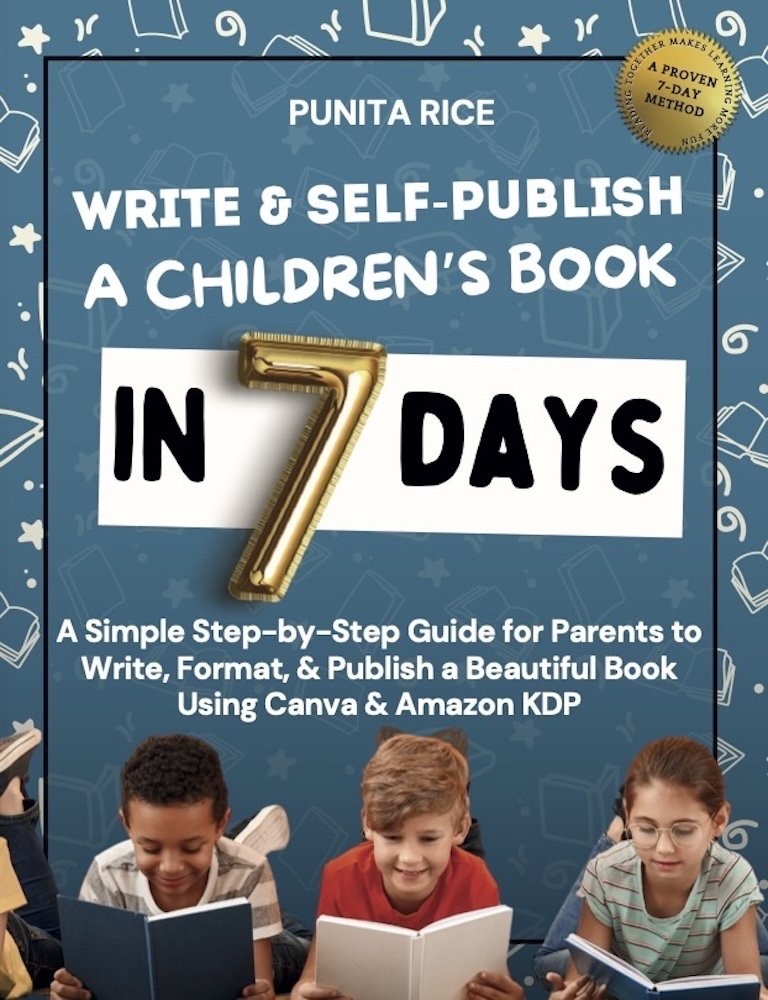
Write & Self-Publish a Children’s Book in 7 Days walks you through every step, including Amazon KDP. ★★★★★ 5.0 on Amazon.
Get the book →