From the fridge
How to Turn Your Kids' Drawings Into a Book
That stack of drawings on the fridge is already most of a picture book. With a phone, a little sorting and one sentence per page, you can turn your child's art into a book they can hold, flip through and read to grandma. Here is how to do it well, start to finish.
Why turn your child's drawings into a book?
Kids' art piles up fast. Most of it ends up in a bin, and the few pieces you keep get creased in a drawer. A book gives the best pieces a home, in order, with your child's own words beside them.
It also changes how your child sees their work. A drawing taped to the wall is a drawing. A drawing on page six of a book with their name on the cover is an illustration, and they are the illustrator. Don't be surprised if your child starts drawing "for the next book" once they've held the first one.
How do you photograph kids' drawings for a book?
You don't need a scanner. A phone camera is plenty if you set things up a little.
- Use daylight. Put the drawing near a window, out of direct sun. Overhead lamps cast yellow light and shadows.
- Shoot straight on. Hold the phone directly above the paper, parallel to it, so the page doesn't look like a trapezoid.
- Turn off the flash. It makes glare on crayon, marker and glitter glue.
- Fill the frame. Get close enough that the paper takes up most of the photo, then crop out the table.
- Flatten it first. If a drawing has been folded, set a heavy book on it for a while, or hold the corners down with coins.
Don't worry if a drawing is tall and skinny or an odd shape. In the makeabook.fun maker, tall pictures like drawings are shown whole automatically, so the edges of the artwork don't get cut off. You can also drag to reposition and zoom any photo if you want to focus on one part.
Planning to publish a paperback later? Amazon KDP needs 300 dpi images for sharp print, so take your photos at your phone's full resolution and avoid sending them through apps that shrink them.
How do you choose which drawings to include?
Sit down with your child and spread the drawings out on the floor. Let them pick. This is their book, and the drawing you think is messy may be the one they're proudest of.
A few gentle ways to narrow it down:
- Pick a thread. All the animals, all the drawings of family, everything from one summer, or one character who keeps showing up.
- Aim for a manageable number. Ten to fifteen drawings is a comfortable first book. Picture books are commonly 24 or 32 pages, but a homemade book can be any length.
- Save a strong one for the cover. Bold colors and one clear subject look best at the front.
How do you put the drawings in order?
Order is where a pile of art becomes a story. Try one of these simple shapes:
- A day: morning drawings first, bedtime drawings last.
- A trip: leaving home, the adventure, coming back.
- A collection: "Things I love," one per page, ending with the biggest love of all.
- A made-up story: ask your child, "What happens first? Then what?" and arrange the drawings to match their answer.
Your child's order doesn't have to make sense to an adult. If the dinosaur goes to the beach and then to space, that is a perfectly good plot.
What should you write on each page?
Keep it short: one or two sentences per drawing. The art carries the page. The words just tell the reader what's happening or how it feels.
The easiest way to get the words is to ask your child about each drawing and write down exactly what they say. Prompts that work well:
"Tell me about this picture."
"What is this person thinking?"
"What happens right after this?"
Keep their phrasing, including the funny grammar. "The cat was so big it was bigger than the house" is better than anything a grown-up would write. If your child is learning to read, Andika is one of the six fonts in the maker and was designed for children learning to read, so they can read their own book back to you.
For more ways to build a story around a child's art, see our list of children's book ideas, which includes ideas that start from their drawings.
Step by step: make the book in makeabook.fun
The maker is free, runs in your browser, and needs no sign-up. It works on phones, tablets and computers, so you can photograph and build on the same phone.
- Open the "Their drawings" starter. Go to makeabook.fun/make/#new=drawings. It opens the maker ready for art.
- Upload the photos. Have the drawings in the order you and your child chose, then select the whole stack of photos at once. Each one lands on its own page with a line underneath for words.
- Write a line under each drawing. Type in your child's words. If a page needs a different look, switch to one of the six layouts, like a big picture with words on it, or just a picture for a full-page spread.
- Let them add to the art. The drawing pad lets your child draw with a finger, mouse or stylus, right over a photo if they like.
- Make the cover. Add a title, a subtitle, and the author: your child's name. Add a short blurb on the back cover.
- Pick colors and a font. Choose page and lettering colors and one of the six fonts.
- Check the extras. A title page and a dedication page with a copyright line fill themselves in. Write a dedication ("For Grandpa, who gave me the markers").
- Read it through. Use the flip-through reader to see it like a real book, then fix anything that looks off.
Your book saves in the browser on that device. Nothing is uploaded, so we never see your child's drawings. If you want to keep working on a different device, download the Backup file and open it there.
How do you print a book of kids' drawings?
You have three options, and the first one is free.
- Free print-at-home PDF. Full color, with each page centered on US Letter or A4 paper and small corner trim marks so you can cut it to size. The back cover has a small "made at makeabook.fun" line.
- Keepsake edition, $2.99 once per book. Print-shop quality at the exact book size, with no makeabook.fun mark, plus a fold-and-staple booklet layout: print double-sided, flip on the short edge, fold the stack and staple on the fold. You can re-download it free after edits.
- Free Amazon KDP files. If you want a real paperback, the maker gives you inside pages with 0.125 in bleed (padded to KDP's 24-page minimum) and a wraparound cover with the spine width calculated from your page count. Author copies are ordered at printing cost.
For home printing, heavier paper (around 32 lb / 120 gsm) or card stock for the cover makes the book feel sturdier. Most home printers can't print right to the edge, which is why the trim marks are there. Our guide to printing a picture book at home covers paper, printer settings and binding in detail.
Going further: publishing their art for real
Some families take the next step and publish the book as a paperback for relatives. If that interests you, the book Write & Self-Publish a Children's Book in 7 Days by Punita Rice walks through the whole process, including using a child's art, designing a cover and uploading to Amazon KDP. There's also a free 7-day guide if you'd like to start there.
Whichever route you choose, the first printed copy is the moment that matters. Hand it to your child and let them read it to you.
Questions parents ask
How many drawings do I need to make a book?
Any number works for a book you print at home. Ten to fifteen drawings makes a nice first book, and if you plan to publish a paperback on Amazon KDP, keep in mind the 24-page minimum.
Do I need a scanner?
No. A phone photo taken in daylight, straight on, with the paper filling the frame works well. Crop out the table edges before you upload.
Are my child's drawings uploaded anywhere?
No. In makeabook.fun your book saves in the browser on your device and nothing is uploaded, so we never see your child's art. Use the Backup file to move a book to another device.
Can my child add to the pictures after I photograph them?
Yes. The built-in drawing pad lets you draw over a photo with a finger, mouse or stylus, so your child can add a sun, a label or a whole new character.
Is it free to print?
Yes. You get a free full-color PDF to print at home. The optional $2.99 Keepsake edition gives you print-shop quality at the exact book size and a fold-and-staple booklet layout.
Ready to make yours?
Free, right in your browser. Pick a story starter, add pictures, and print it at home.
Make a book from their drawings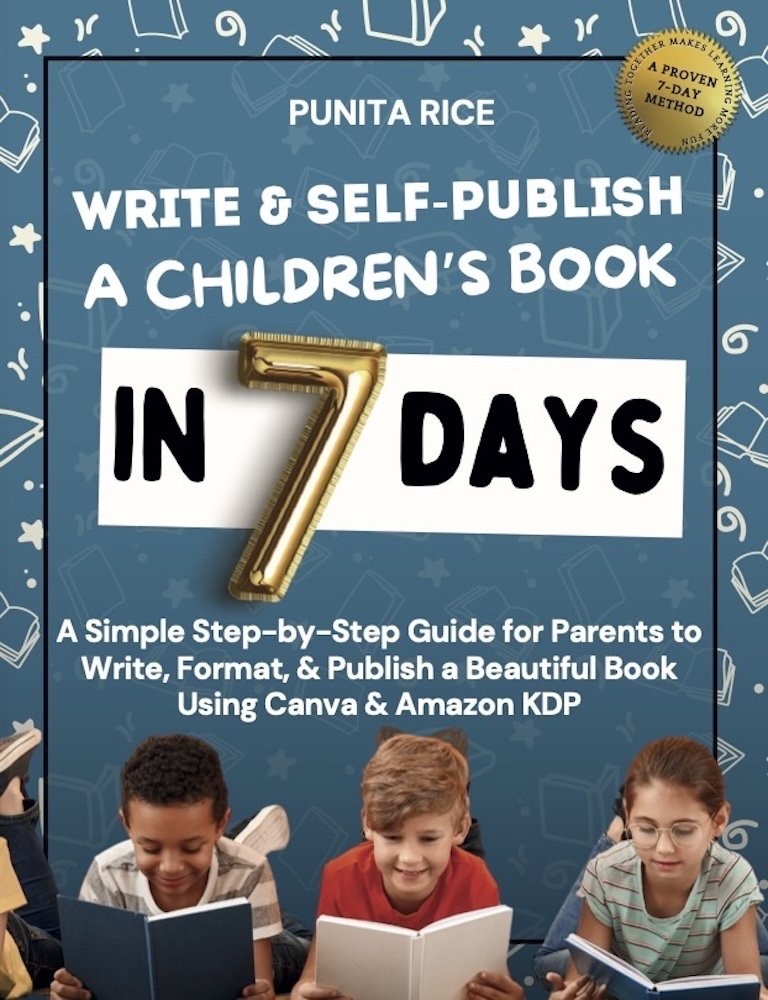
Write & Self-Publish a Children’s Book in 7 Days walks you through every step, including Amazon KDP. ★★★★★ 5.0 on Amazon.
Get the book →