How to Make a Storybook With Your Own Photos
To make a storybook with photos, pick one small story your child lived, like a trip to the zoo or a first haircut, and choose 10 to 16 photos that tell it in order. Put one photo on each page and write a sentence or two underneath. On makeabook.fun you can do this free in your browser, and the photos stay on your device.
The photos on your phone already hold a dozen stories starring your child. A photo storybook turns one of them into a real book with a beginning, a middle and an end, and words you can read at bedtime. You can make one free in your browser in an evening, with one photo and a sentence or two on each page.
What is a photo storybook?
A photo storybook is a picture book where the pictures are your own photos and the main character is your child. Unlike a photo album, it tells a story: something happens, your child feels something about it, and it ends in a way that feels settled.
Young kids love these because everything in them is real. The dog is their dog. The kitchen is their kitchen. It's also a good way to get them ready for something new, like a first trip to the dentist, using photos of the real place.
Which stories work best with photos?
Look for one small event with a clear start and finish. Some that work well:
- A day at the zoo, the beach or the farm, from the car ride to falling asleep on the way home.
- Baking something together, with a photo of each step and the mess.
- A first haircut, first lost tooth or first time on a bike.
- Meeting a new baby brother or sister.
- A visit to the grandparents, with a page for each person.
- Planting seeds and watching them come up.
- Moving to a new house: the boxes, the empty rooms, the new bedroom.
For more, see our list of children's book ideas. Many of them work with photos.
How to choose the photos
You'll probably have far more photos than pages. Choosing well matters more than having many.
- One photo per page. Ten to sixteen pages is plenty for a first book.
- Pick one photo for each moment. If you took eight of the giraffe, keep the clearest.
- Look for faces and feelings. A photo of your child looking worried, then proud, tells the story better than the scenery does.
- Include the setting. One wide photo of the place helps a young reader know where they are.
- Use the sharpest photos you have. If you'll print it, blurry photos look blurrier on paper.
What if you're missing a photo?
Most real days have gaps. You didn't photograph the part where they were nervous, or the moment the tooth came out. A few ways to fill them:
- Stage it with toys. Their stuffed animals can act out the scary part. Kids find this very funny.
- Photograph the place afterward. An empty dentist's chair or the front door of the school still sets the scene.
- Let your child draw it. Snap a photo of the drawing, or use the drawing pad in the maker. Photos and drawings mix well in one book. See how to turn kids' drawings into a book.
How to write the words
Write one or two sentences per page, in the order things happened. Use your child's name, and say how they felt.
Maya held Dad's hand at the zoo gate. She could hear something roaring.
It was a lion. A very sleepy lion. Maya laughed.
Let the photo show what things look like, and use the words for what the photo can't show: sounds, feelings, what someone said. Read it aloud once and cut anything that sounds like a caption ("This is us at the zoo").
If the story is preparing your child for something new, a social story format can help. Our guide to social stories explains how.
How to make the photo storybook
On makeabook.fun the whole thing happens in your browser, for free, with no sign-up. Your photos aren't sent to us, and the book is saved on your device. Our privacy page has the details.
- Open a starter. "A story about them" fills each page with a prompt for a story with a problem and a happy ending. For a book about who they are, use "All about me" instead.
- Add a photo to each page. Upload from your phone or computer, then drag and zoom to frame it.
- Pick a layout. "Big picture with words on it" works well for photos with a quiet corner. "Picture with words below" keeps the whole photo clear.
- Write a sentence or two. Pick a font. Andika is designed for children learning to read.
- Make the cover. Use your best photo, add a title, and put your child's name as the author if they helped.
- Read it together, then print. Flip through it in the reader, then download the free print-at-home PDF.
Printing a photo storybook
Photos look best on heavier paper. A 32 lb (120 gsm) paper for the pages and card stock for the cover make a big difference on a home printer. Print at Actual size or 100% so the pages line up with the trim marks.
The free PDF centers each page on US Letter or A4 paper. For print-shop quality at the exact book size and a fold-and-staple booklet layout, the Keepsake edition is $2.99 once per book. Our guide on printing a picture book at home covers paper, settings and binding.
Questions parents ask
Can I make a storybook with my own photos for free?
Yes. On makeabook.fun you upload your photos, write the words and print the book at home as a full-color PDF for free, with no sign-up.
Are my photos uploaded anywhere?
No. Books made on makeabook.fun are saved in your browser on your device, and your photos aren't sent to us. The one exception is a printed hardcover: the print files go to the printer and are deleted once it has them.
How is a photo storybook different from a photo album?
A photo album shows what happened. A storybook has a beginning, a problem or a question, and an ending, with words that tell it. Your child is the main character.
What if I don't have photos of every part of the story?
Stage the missing scenes with toys, take a photo of the place afterward, or have your child draw that page. Mixing photos and drawings works fine.
How many photos do I need?
Ten to sixteen is plenty for a first book, one per page. Pick fewer, clearer photos over many similar ones.
Ready to make yours?
Start a photo storybook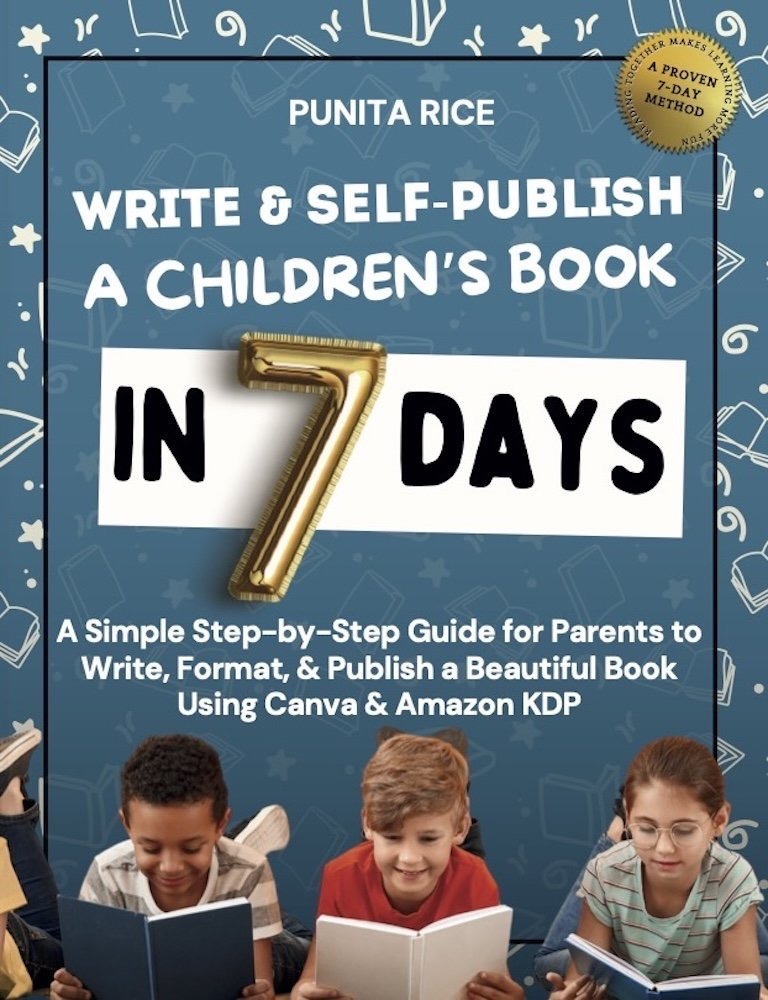
Write & Self-Publish a Children’s Book in 7 Days walks you through every step, including Amazon KDP. ★★★★★ 5.0 on Amazon.