Your child, the hero
How to Make a Personalized Children's Book Starring Your Child
A personalized children's book puts your child at the center of the story. You can order one, or you can make one yourself in an evening, for free, about something that really happened to them. Here is how to decide, how to write it, and what to write about.
What makes a personalized book for kids special?
Kids love seeing themselves in a story. Their name on the cover, their face or drawing on the page, their dog and their street and their favorite snack in the plot. It tells them their life is worth a book.
A personalized book can also do real work. It can help a child get ready for something new, like a first day of school, or make sense of something hard, like a scary moment that turned out fine. Punita Rice, who wrote our book on self-publishing, made her oldest son a book about a bunny who was afraid of swim class after he got water in his eyes. Years later, he still pulls it out.
Make it yourself or order a personalized book?
Ordered personalized books are usually templates. You type in a name, maybe pick a hair color or a skin tone, and the same story prints with those details swapped in. They can be lovely gifts, and they're quick.
Making your own takes a little more time, and gives you a different kind of book:
- The story is theirs. Not "a child named Maya goes to the moon," but the time Maya lost her tooth at the zoo.
- The pictures are real. Use your own photos, your child's drawings, or both.
- The details are exact. The grandparent's nickname, the stuffed animal's name, the inside joke.
- It can be free. With makeabook.fun you can make it and print it at home without paying anything, and with no sign-up.
If you want a book that feels like it could only belong to your child, making it yourself is the better fit.
How do you write a personalized children's book?
The simplest structure for a story starring your child is a story spine: a short chain of sentence starters that walks you from the beginning to a happy ending. You fill in the blanks, and the plot falls into place.
Once upon a time, there was ___.
Every day, ___.
But one day, ___.
Because of that, ___.
Because of that, ___.
Until finally, ___.
And ever since then, ___.
"But one day" is the problem: the new baby arrives, the tooth is loose, the dog runs off. "Because of that" is your child trying things. "Until finally" is the moment they solve it or feel better. "Ever since then" is how things are now, which is often the warmest page in the book.
A few tips that keep it working:
- Let your child solve the problem. A grown-up can help, but the hero should do the brave or clever thing.
- Use one or two sentences per page. Leave room for the picture.
- Use real names and places. The more specific, the more your child will love it.
- Read it aloud before you print. If you stumble on a sentence, shorten it.
Step by step: make a personalized book in makeabook.fun
Our "A story about them" starter is built around this kind of structure. It pre-fills pages with fill-in-the-blank prompts where your child is the hero: a problem, then a happy ending.
- Open the starter. Go to makeabook.fun/make/#new=spine. It works in your browser on a phone, tablet or computer.
- Fill in the prompts. Add your child's name, the problem and how they handled it. Change any wording you like.
- Add pictures. Upload photos of your child, or phone photos of their drawings. Drag to reposition and zoom a photo so the important part shows.
- Let your child draw. The built-in drawing pad works with a finger, mouse or stylus, and they can draw right over a photo.
- Choose layouts. Pick from six page layouts, from a big picture with words on it to a page of just words for a quiet moment.
- Make the cover. Add a title, a subtitle and the author. Write a short blurb for the back cover.
- Add a dedication. The title page and a dedication page with a copyright line fill themselves in. Write a line just for your child.
- Read it in the flip-through reader, then print.
Your book saves in your browser on that device, and nothing is uploaded, so we never see your photos or your story. To move it to another device, download the Backup file.
If you'd rather make a book about who your child is instead of something that happened to them, try our guide to making an all about me book.
Personalized book ideas and themes
The best themes are moments your child is living through right now. Some to get you started:
First day of school
Walk through the day before it happens: getting dressed, saying goodbye, meeting the teacher, finding a friend, coming home. Make the "But one day" a worry, like not knowing anyone, and let your child find their way through it.
A new baby brother or sister
Your child is the hero who becomes a big sibling. Show what changes, what stays the same, and the special jobs only they can do. Photos from the hospital or the first week make great pages.
A brave moment
Swim lessons, a shot at the doctor, the first sleepover, the dark at bedtime. Tell the real story of the fear and how it got smaller. You can make the hero an animal version of your child, the way Punita did with the bunny, if that feels gentler.
More ideas
- Moving to a new house
- Learning to ride a bike
- A visit to grandma's
- Losing a first tooth
- The day the family got a pet
- A big trip, told from your child's point of view
For dozens more, see our list of children's book ideas.
How do you print a personalized children's book?
- Free: a full-color print-at-home PDF, each page centered on US Letter or A4 with small corner trim marks, and a small "made at makeabook.fun" line on the back cover.
- Keepsake edition, $2.99 once per book: print-shop quality at the exact book size, no makeabook.fun mark, and a fold-and-staple booklet layout. Re-download free after edits.
- Free Amazon KDP files: inside pages with 0.125 in bleed, padded to KDP's 24-page minimum, and a wraparound cover with the spine width calculated from your page count. Author copies are ordered at printing cost, which makes extra copies for grandparents easy.
Printing at home? Card stock for the cover makes it feel more like a real book. If you want to go all the way to a published paperback, Write & Self-Publish a Children's Book in 7 Days walks through writing, art, cover design and uploading to Amazon KDP, and our free 7-day guide is a good place to begin.
Questions parents ask
How do I make a personalized book for my child for free?
Open the free makeabook.fun maker with the "A story about them" starter, fill in the prompts with your child's name and details, add photos or drawings, and download the free print-at-home PDF. There's no sign-up.
How long should a personalized children's book be?
A homemade book can be as short as you like; ten to fifteen pages is plenty for a first one. Picture books are commonly 24 or 32 pages, and Amazon KDP paperbacks need at least 24.
Can I use photos of my child in the book?
Yes. You can upload photos, drag to reposition and zoom them, and even draw over them with the drawing pad. Your book saves in your browser and nothing is uploaded, so we never see your photos.
What's the difference between this and an ordered personalized book?
An ordered book usually drops your child's name and a few choices into a story someone else wrote. A book you make yourself can tell a story only your child has lived, in your words, with your photos or their art.
Can I print it as a real paperback?
Yes. The maker gives you free Amazon KDP files: inside pages with bleed, padded to the 24-page minimum, and a wraparound cover with the spine width calculated for you.
Ready to make yours?
Free, right in your browser. Pick a story starter, add pictures, and print it at home.
Start a story about them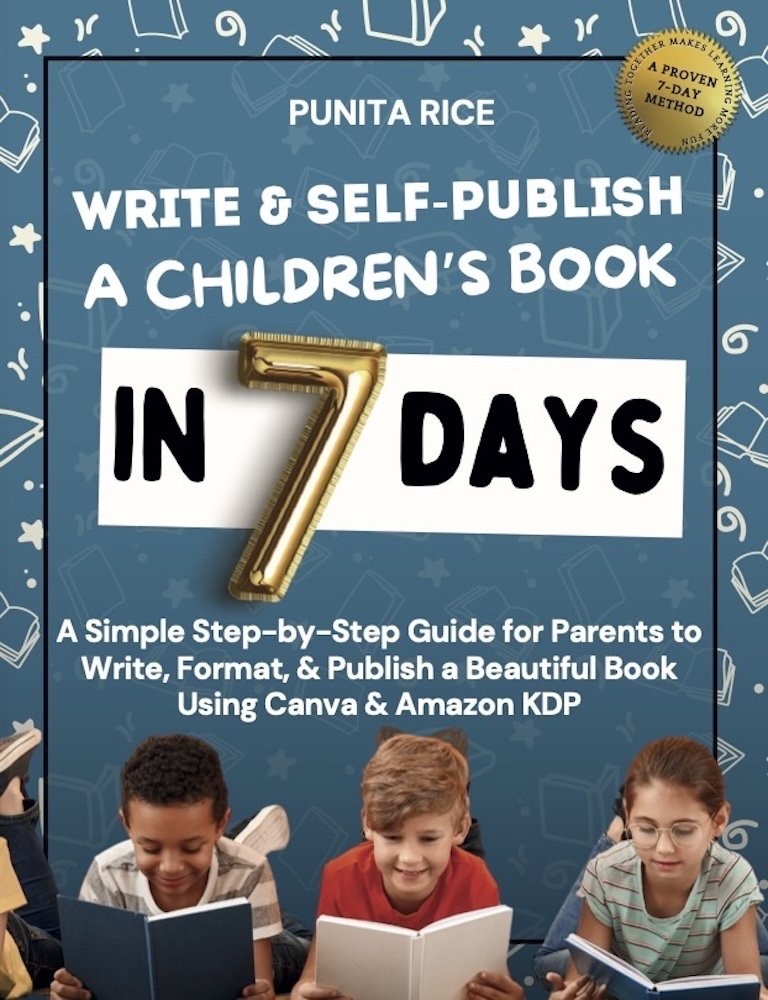
Write & Self-Publish a Children’s Book in 7 Days walks you through every step, including Amazon KDP. ★★★★★ 5.0 on Amazon.
Get the book →